Bug description:
The Unicode Character “’” ( Apostrophe) is not properly encoded in the javascript alert pop up in forgot password screen.
Steps to reproduce:
- Navigate to https://lastpass.com/forgot.php
- Enter any test email ( test@example.com) or real email in email text box
- Click on the button “Send Hint”
- Notice that there will be a Javascript alert pop up displaying the text
“We ' ; ve sent a reminder to test@example.com. Be sure to check your spam folder. If you receive nothing, make sure the email you used is actually registered as a LastPass account.“
Expectation:
The character Apostrophe (‘) should have been encoded properly. Like
“We ‘ve sent a reminder………”

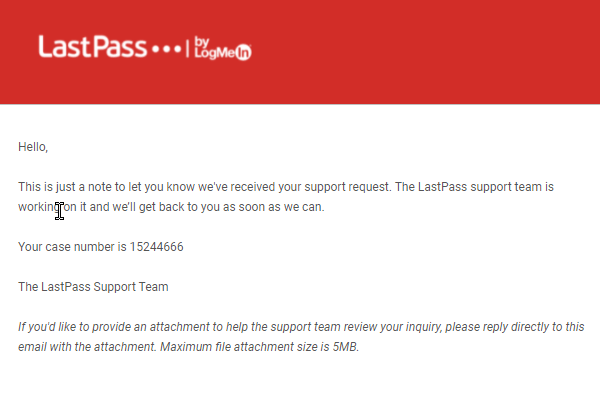
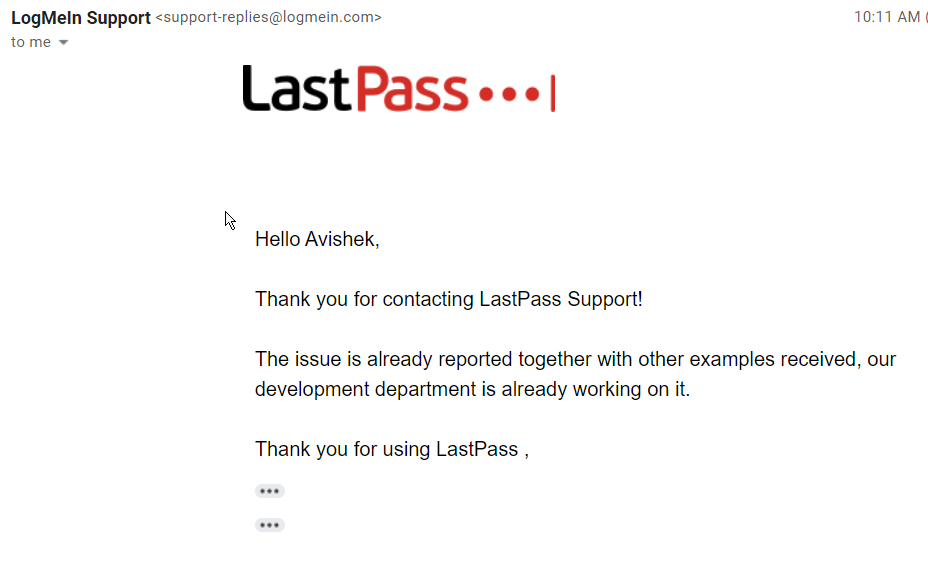
Bug reported to them and response below:

 TechieWolf