Official link:
https://github.com/intuit/karate
Step1: Setup using maven:
Note: Depending on the command line tool you use, you need to format the below command.
In the below example I am using GIT Bash, it accepts the multi line command as below.
If you are using windows cmd or other editor which do not support multi line, just remove backslash () and format all the steps in one single line command.
mvn archetype:generate
-DarchetypeGroupId=com.intuit.karate
-DarchetypeArtifactId=karate-archetype
-DarchetypeVersion=0.9.5
-DgroupId=com.yourcompanyname
-DartifactId=myprojectname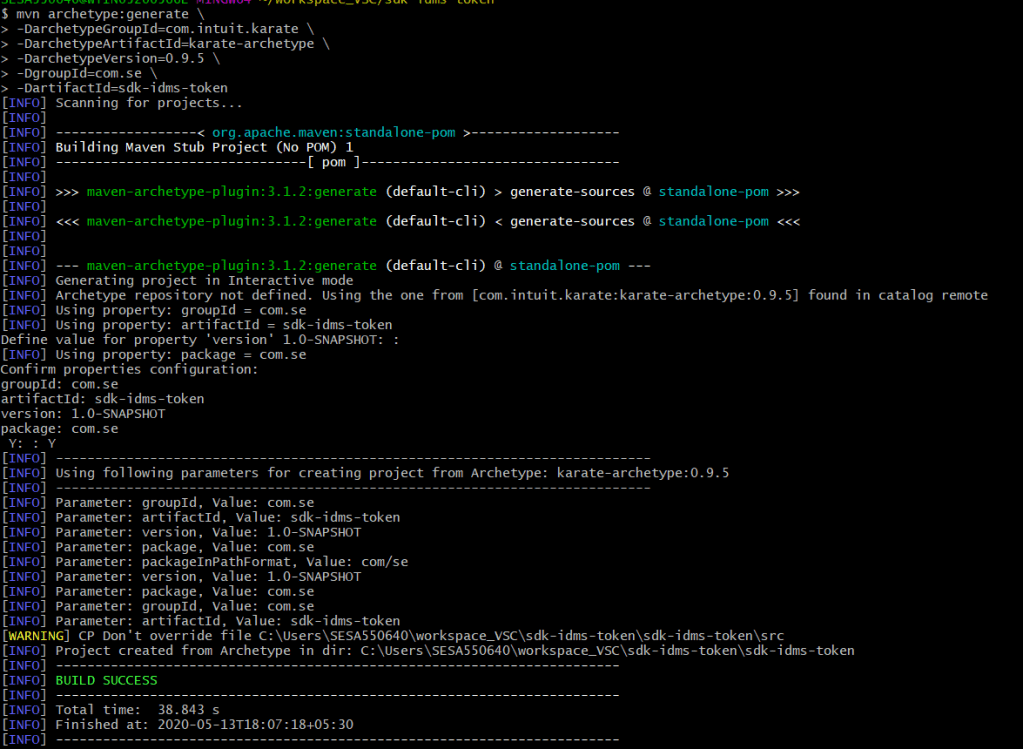
Step2: Import the project in VS Code
– Open VS Code and right click in workspace- add folder to workspace
– This will import the java project
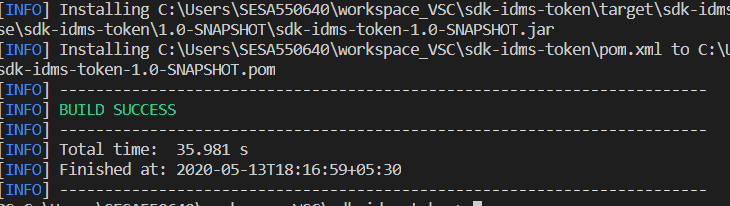
Step3: Run maven install
– Go to terminal and navigate to the newly imported folder in vs code
mvn clean install -U– This will install all dependencies
– Also it will run default tests which comes as part of the project
– You should see build success.
Step4: Run using Maven
mvn testAlternatively Use ZIP Release of Karate in VS Code:
Reference:
https://github.com/intuit/karate/wiki/IDE-Support
https://automationpanda.com/2018/12/10/testing-web-services-with-karate/
https://semaphoreci.com/community/tutorials/testing-a-java-spring-boot-rest-api-with-karate
https://medium.com/@tariqul.islam.rony/learning-java-and-spring-boot-with-visual-studio-code-vscode-part-1-54073f2fa264
https://github.com/Microsoft/vscode-java-test/issues/470

 TechieWolf